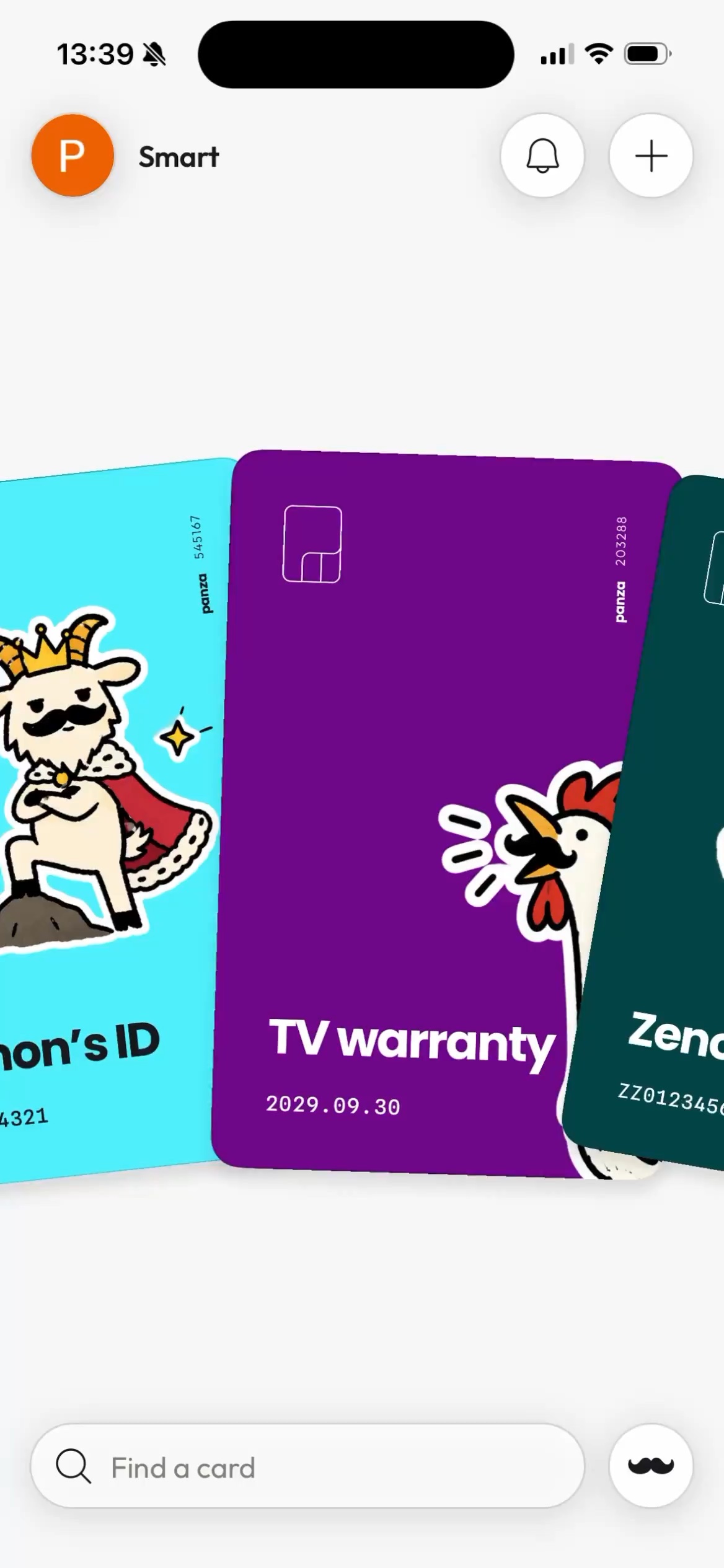


Your visual document deck

Apparently, you’re supposed to know.

Your passport number. Your kid’s passport number. Your car’s VIN. Obviously. Panza keeps the important stuff where you can actually find it.

The problem, in real life

It’s somewhere. Obviously.

“I try hard to keep up and then boom, I see that I'm drowning again.”

r/declutter · Reddit thread · opens original source in a new tab

“The screenshot is in my favourites list in my photo gallery. Much more reliable and faster than getting the app to work.”

r/newzealand · Reddit comment · opens original source in a new tab

“I scan everything I need for backups as well as keeping the important hard copies.”

r/declutter · Reddit comment · opens original source in a new tab

“A Google Walletbe próbáltam felvinni a kártyáimat. A harmadiknál elakadtam: nem ismerte fel rendesen, manuálisan pedig nem lehetett megadni az adatokat.”

Translated excerpt: I tried adding my cards to Google Wallet. By the third one I was stuck — it didn’t recognize it properly, and there was no way to enter the details manually.

Panza developer’s family · shared with permission

Family flight check-in was what got me.

Passport numbers. Expiry dates. Car insurance. Registration. Somehow everything always lived somewhere else.

I didn’t want another beautifully organized folder full of documents. I wanted the one useful detail. Right fucking now. And the original right behind it.

So I built Panza.

Daniel Panza developer

Document → card

Nobody opens a 14-page PDF for fun.

Throw it in.

Scan it. Photograph it. Pick a PDF. Done.

The useful bit goes up front.

Policy number. Expiry date. ID. Whatever you actually came for — on a card you can recognize at a glance.

The boring PDF stays too.

Because sometimes you really do need page 11. The original document stays right behind the card.

When real life asks

Where the hell did I put it?

Hopefully, the last time you ask that.

Find it. Skip the archaeology.

Search Panza instead of reconstructing your history of folders, emails, downloads and screenshots.
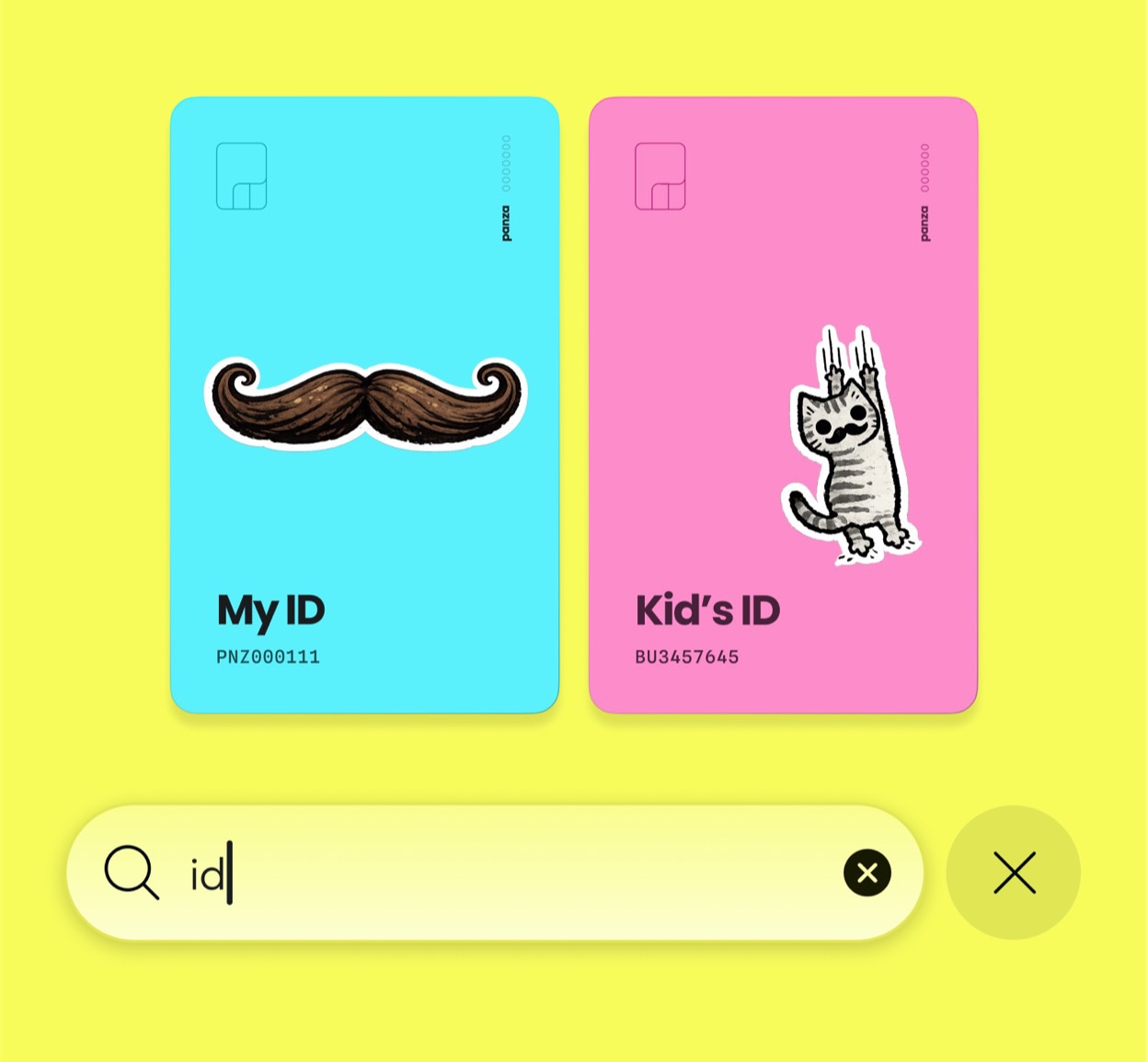
Searching a visual Panza card deck on an iPhone

“Can you send me the insurance thing?”

Sure. Again. Keep the documents your family needs within reach.
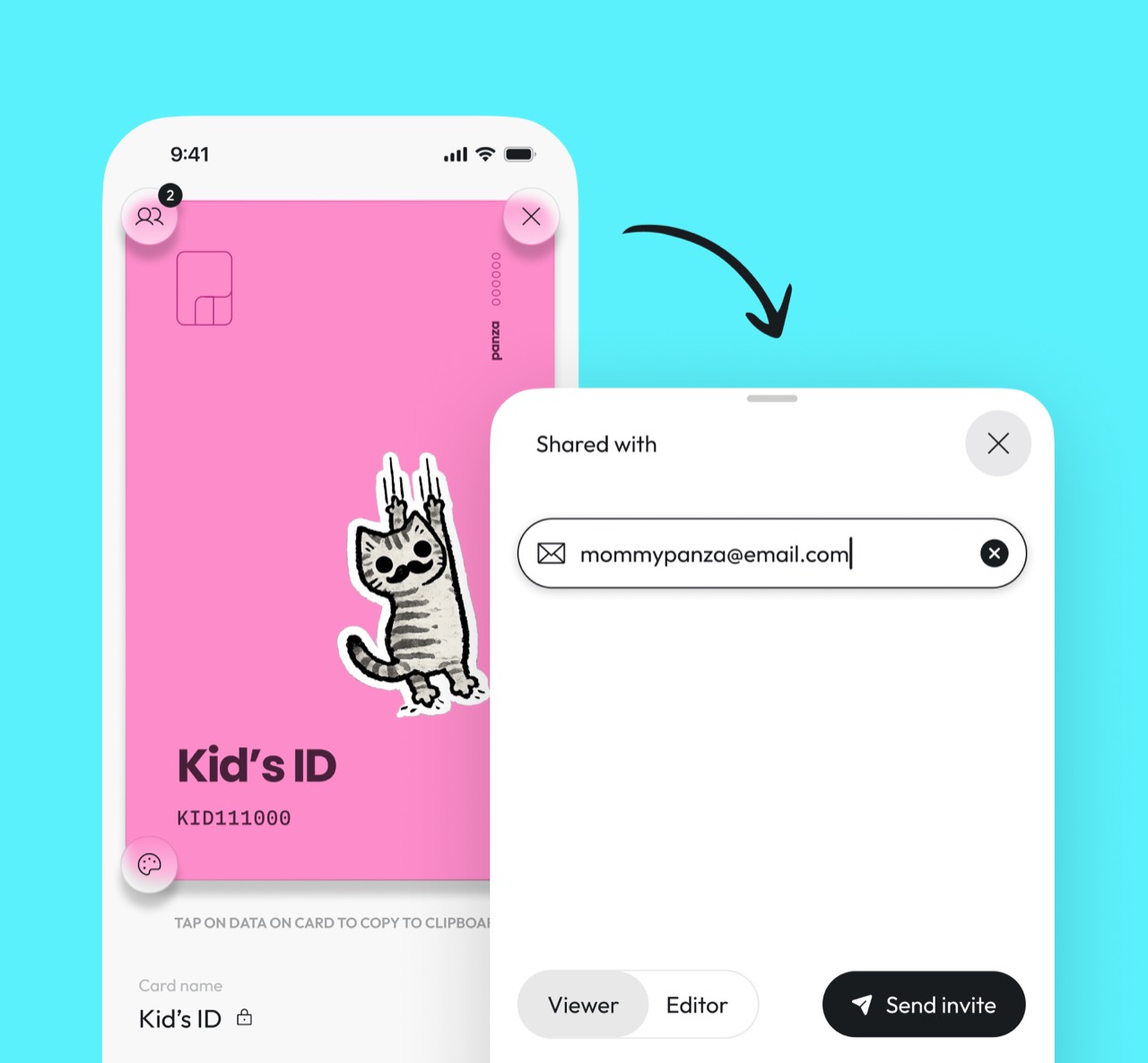
Sharing a Panza card between two iPhones

Ask Panza. It has a better memory.

Passport expiry? VIN? Policy number? Ask for the detail and jump straight to the matching card.
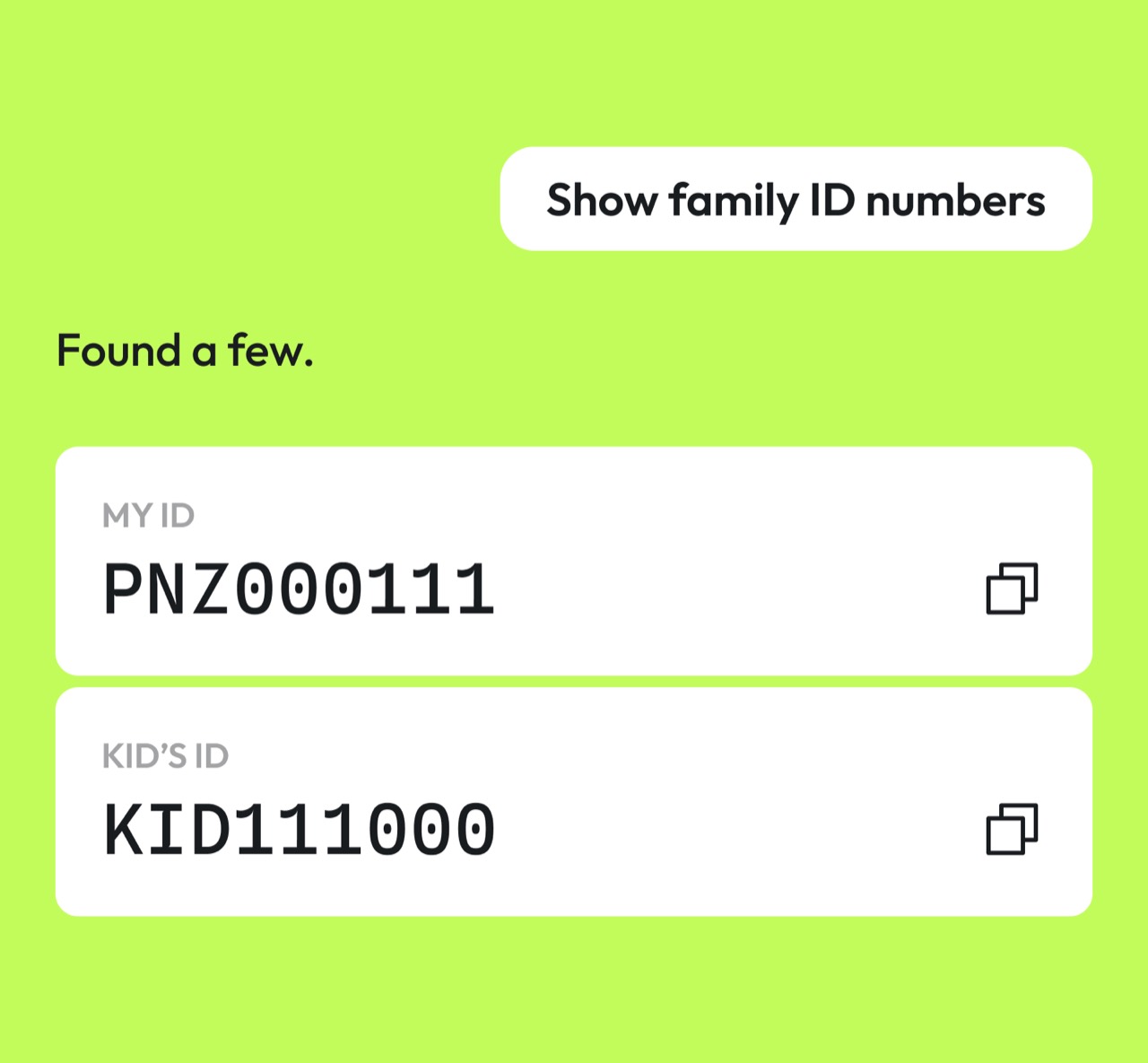
Finding matching card details with Panza assistance

Important stuff deserves boring security.

Passports, IDs and insurance documents are not the place for clever claims. Here’s what Panza actually does.

The boring details about security & privacy
  1. Read on your iPhone

    On iOS, document text recognition runs on your device. Recognized details are then saved to Panza as structured fields.

  2. Private document storage

    Uploaded documents are not public. Access is checked against the owner and the people the document has been shared with.

  3. Share document by document

    The owner chooses viewer or editor access for each document, and can change or revoke it.

Useful stuff

Because apparently documents need homework too.

Practical guides, comparisons and checklists. No productivity sermon required.

One less thing

Life has enough shit to remember.

Let Panza remember the passport number. You have better things to do.
Get Panza on the App Store